Blur, mosaic, black-box, stickers, text, AI Auto-Censor, video and GIF tools. No account, no watermark, nothing uploaded. Pick a topic below or take the 30-second tour.
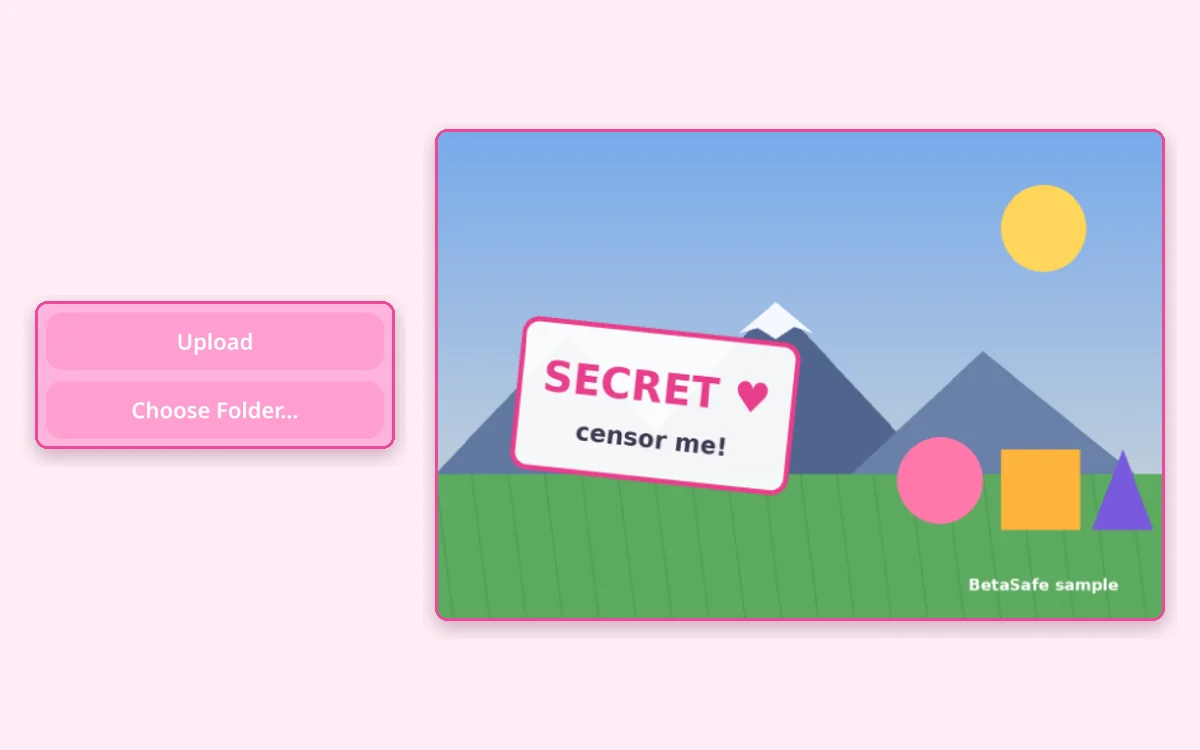
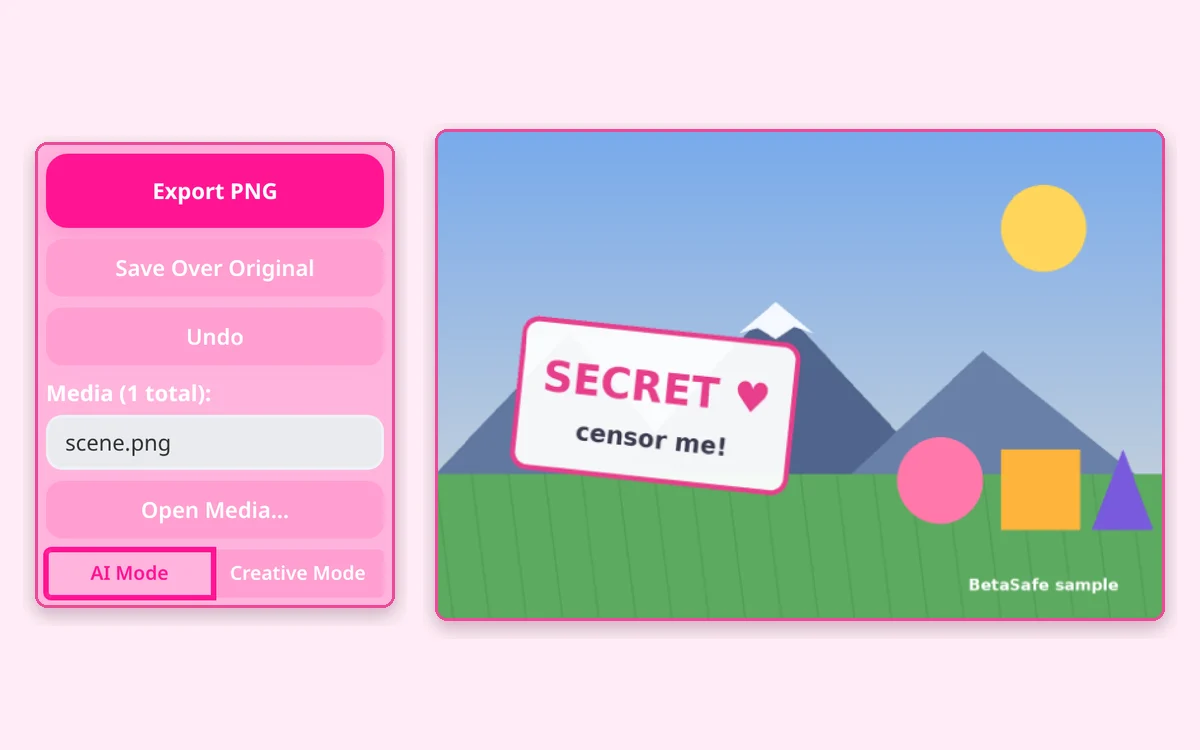
Load a photo, GIF or videoTap Upload, drag files onto the page, or paste a link. Up to 10 items at once. Nothing is uploaded: everything stays on your device.
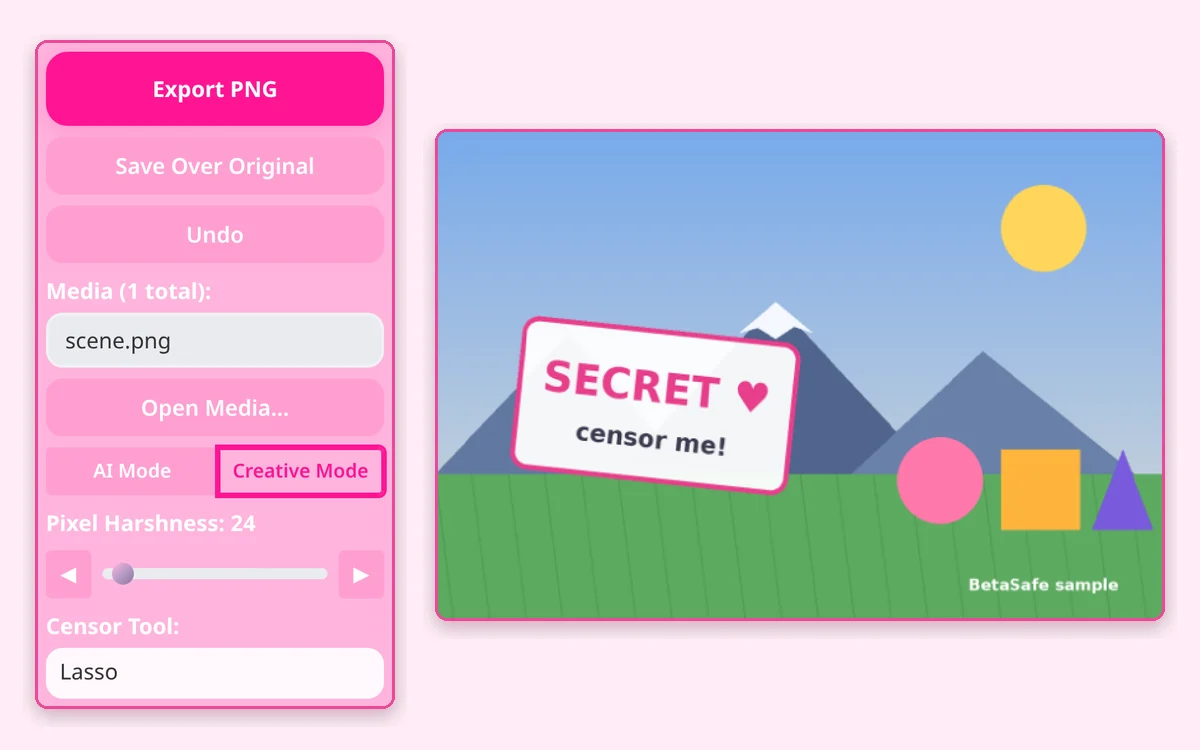
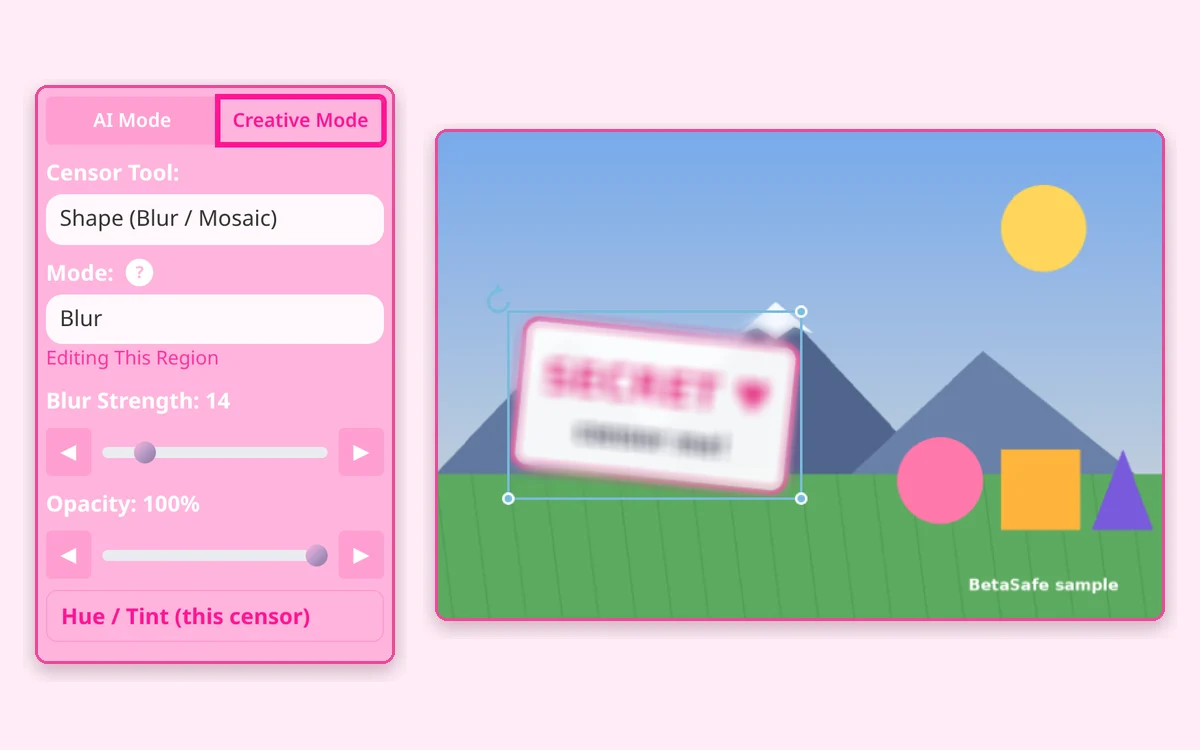
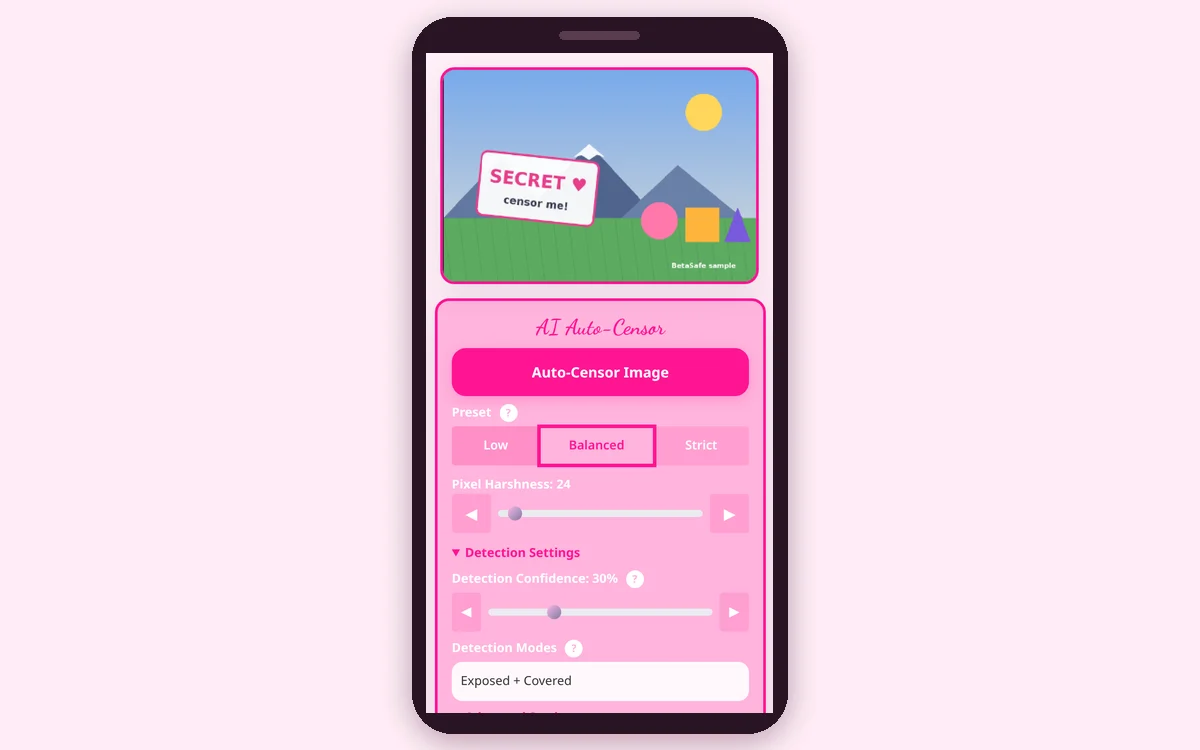
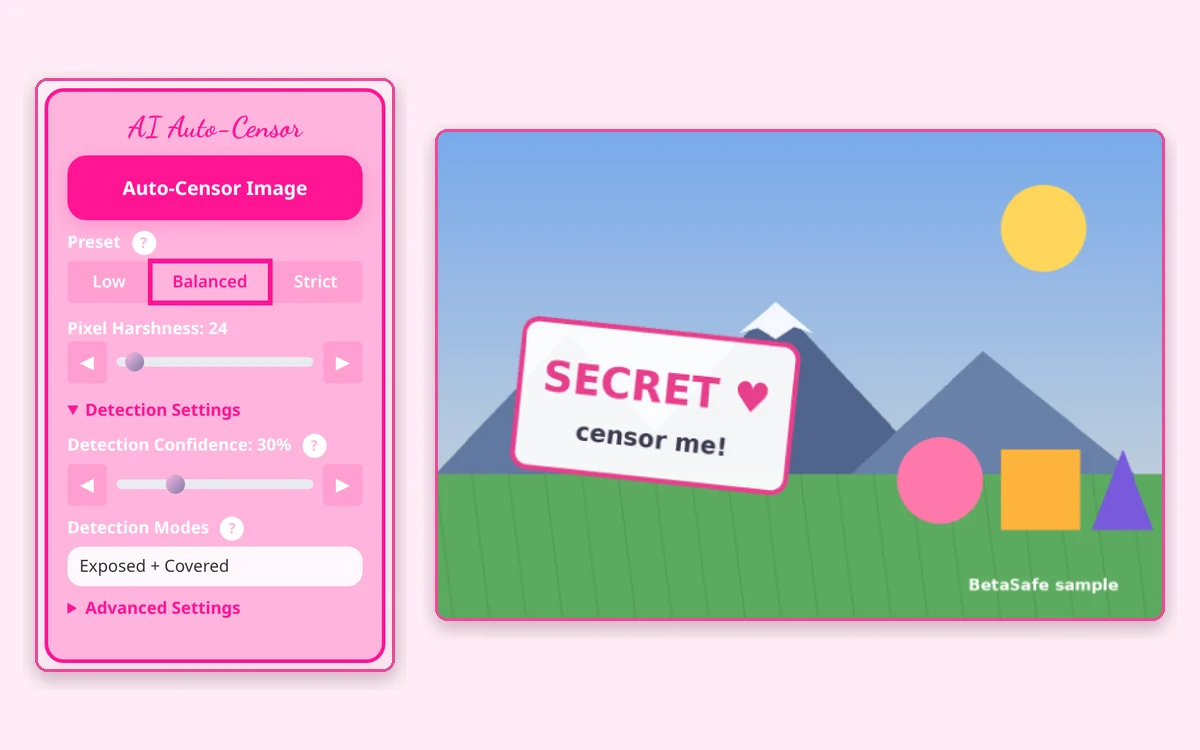
Let AI censor it, or draw your ownUse AI Auto-Censor in AI Mode, or switch to Creative Mode and drag on the picture to add a censor region.
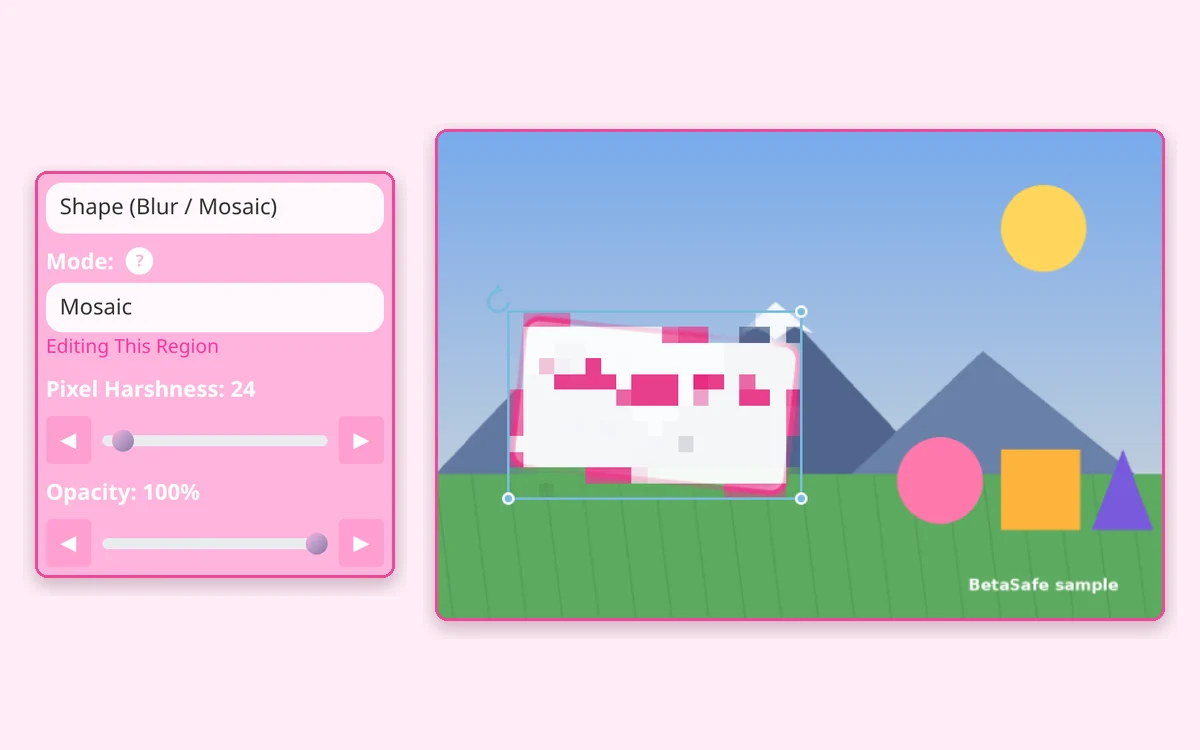
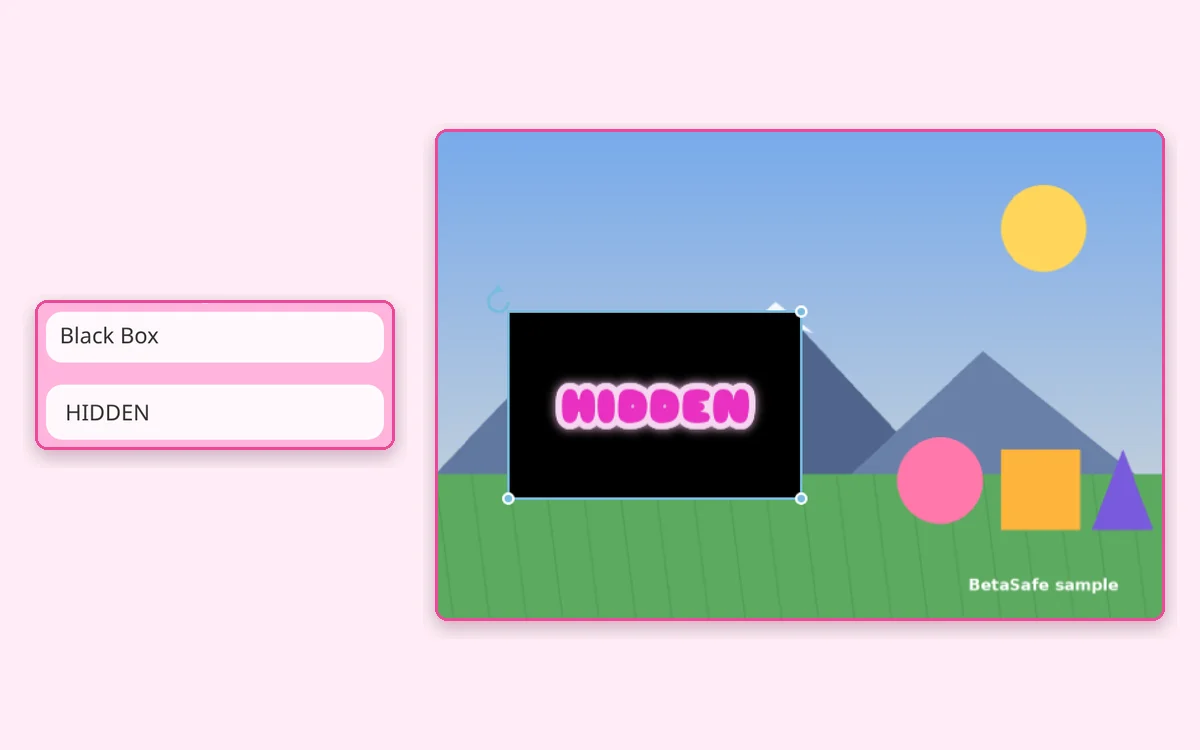
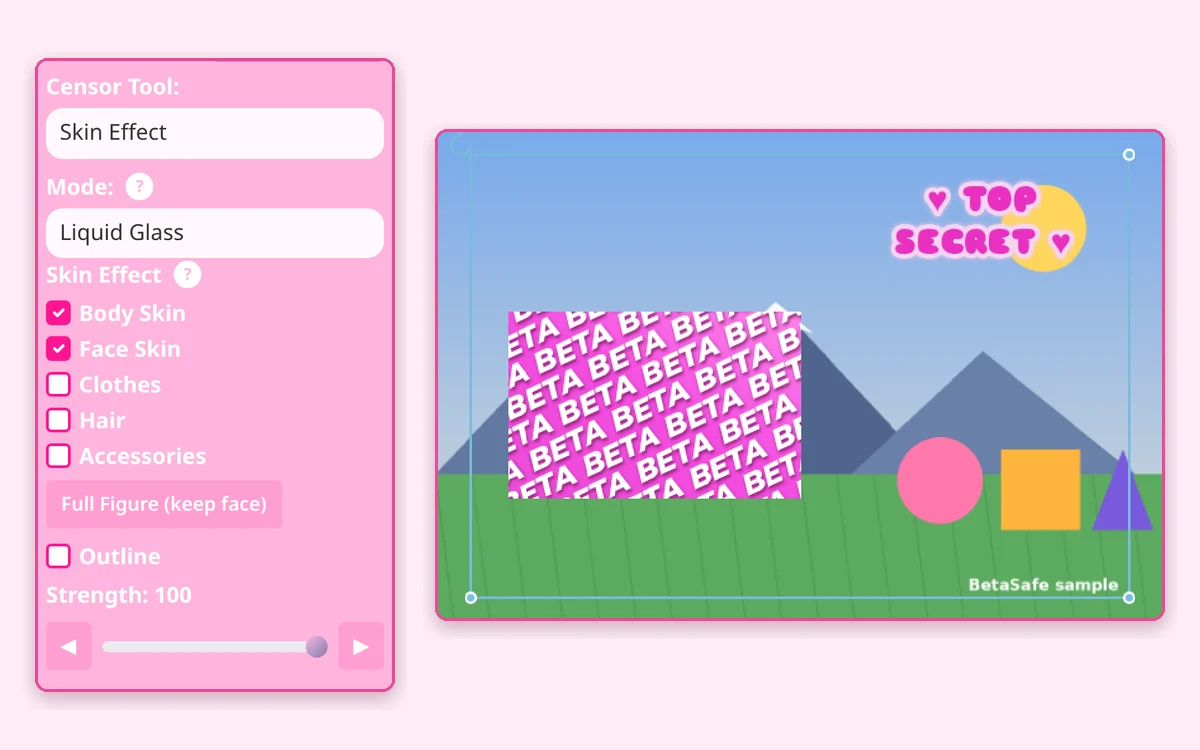
Pick a style and fine-tuneChoose Blur, Mosaic, Black Box, Text, Skin Effect and more, then nudge the sliders with the ◀ ▶ buttons.
ExportPress Export (or Enter) to download your censored file. Free, no watermark, no account.
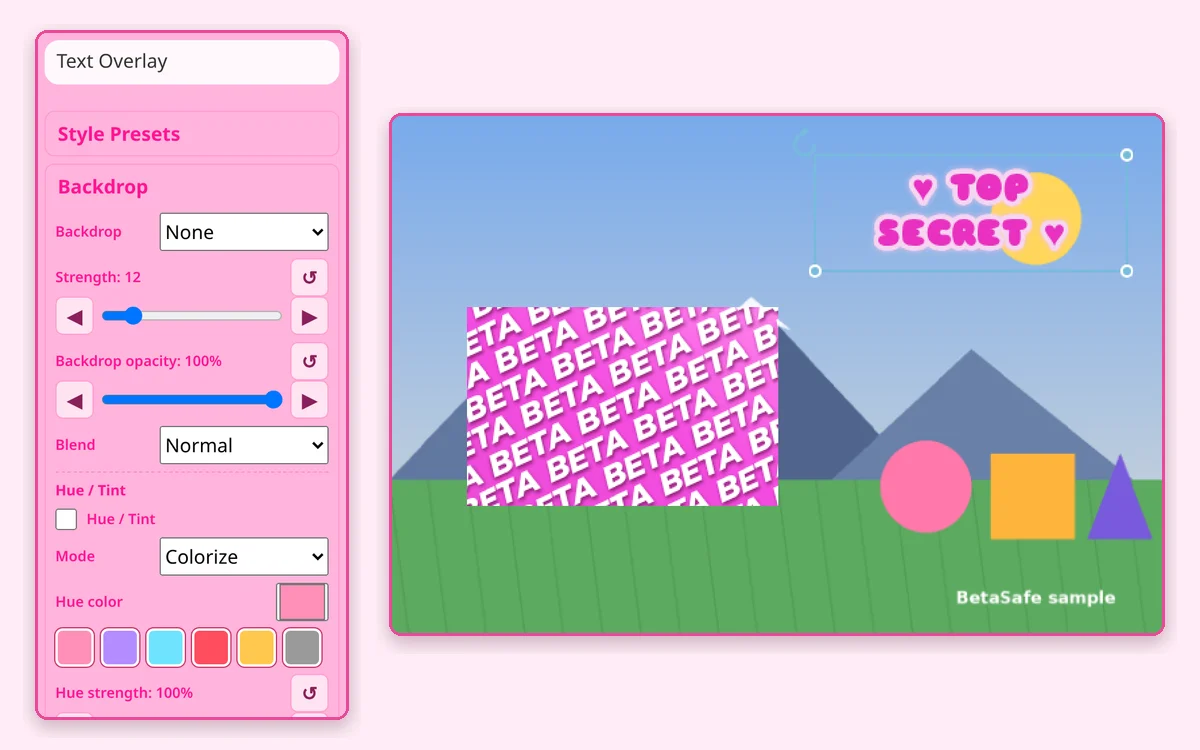
Add words or emoji with fonts, outline, glow, shadow, curves and gradients.
How to
Choose Text Overlay and drag a box on the picture.
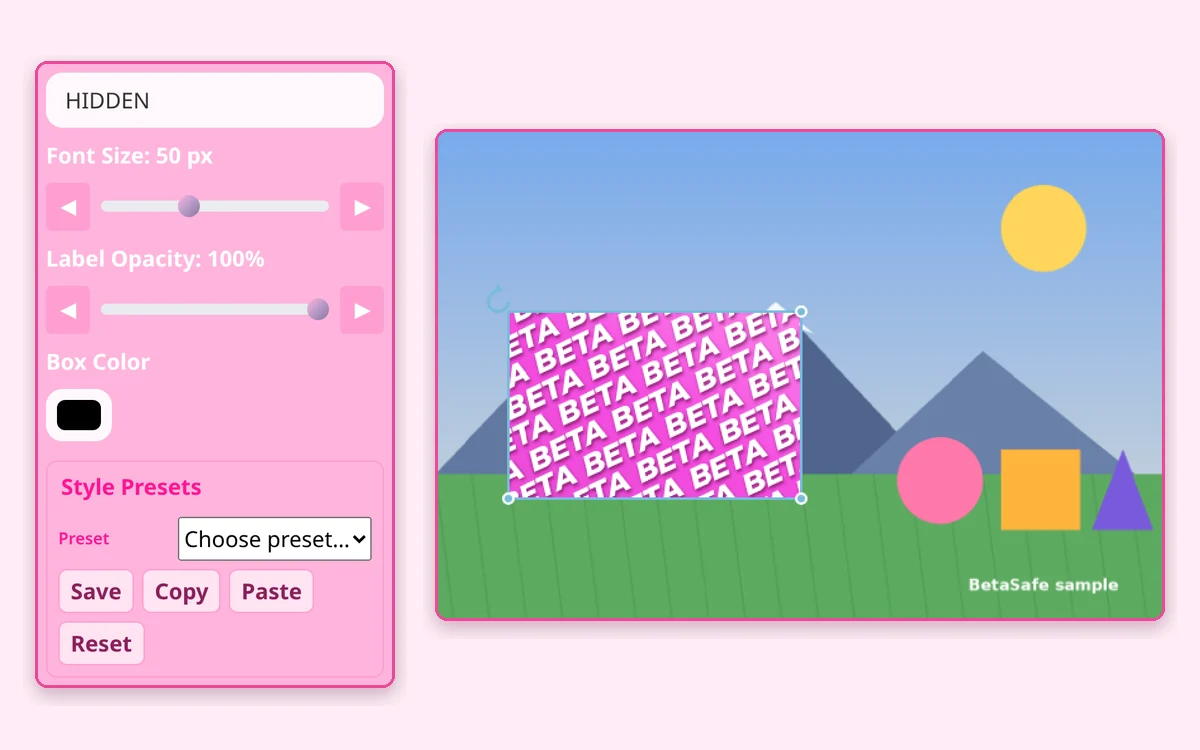
Type your text. It sizes itself to the box until you set Font Size.
Pick a font, weight, color, Text Opacity, alignment and Text Effect (Wave, Arch or Perspective).
Tips
Fonts include Arial, Dancing Script, Great Vibes, Pacifico, Caveat, Satisfy, Cookie, Permanent Marker, Indie Flower, Shadows Into Light, Adorable Lady, Sniglet, Titan One and Merriweather Black. Or upload your own with Upload Custom Font.
Border, Glow and Shadow sliders make text pop on busy pictures.